

Light linking — without thinking about it.
Light linking in Blender is powerful.
It's also fiddly, easy to forget, and frustrating to maintain.
Light Linker makes it automatic.


Lights automatically affect only their collection.
Move a light → linking updates instantly.
Move objects between collections → lighting stays correct.
Shift+A > Light > Linked Lights
or use the N-Panel
Automatically links to:
Selected object's collection
or Scene (global light)
Move lights or reorganize collections —
linking updates automatically
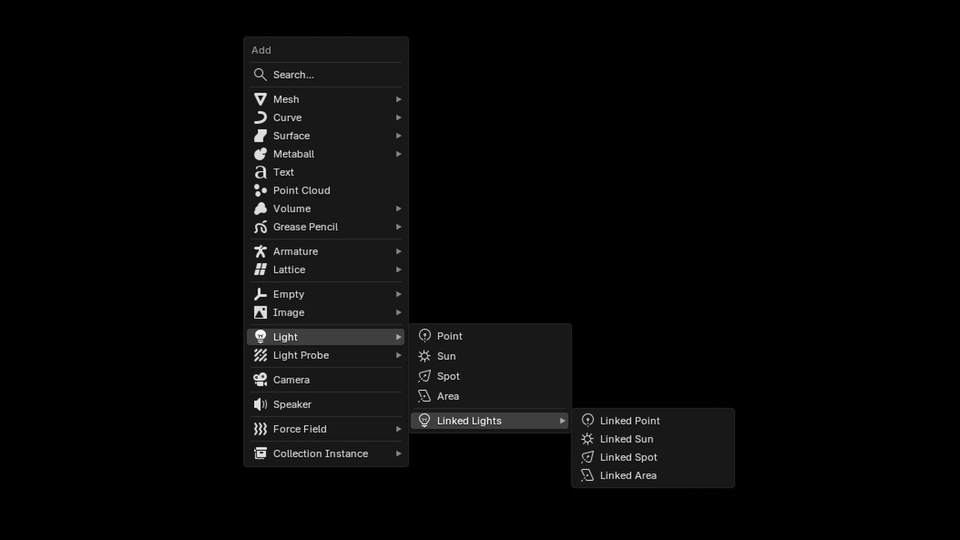
Quick access to light linking controls and settings
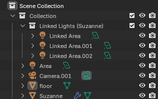
Light Linker respects your collection hierarchy. Place lights where you want them, and they automatically link to the right collections. No manual setup needed.
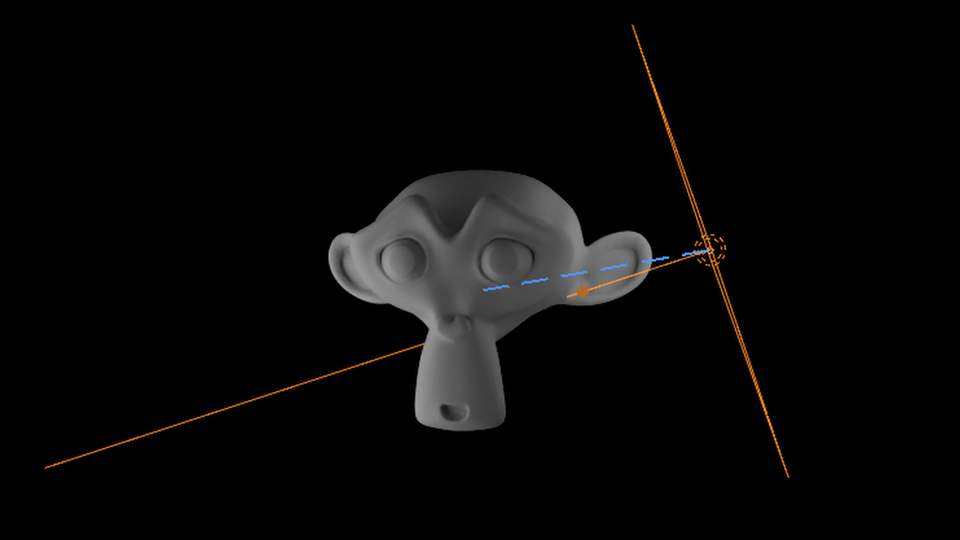
Visual feedback shows which lights are linked and their effect scope
Point, Sun, Spot, Area
Real-time linking sync
Convert back to regular lights
Just place and go
Handles hundreds of lights
Quick access controls
View light status
Complete guides included
"I'll fix the light linking later…"
— You, probably
Uses official API
Both supported
Win / Mac / Linux
If you encounter any technical issues with this addon, let me know and I will get it fixed ASAP.
Your tools should work flawlessly. If they don't, I'm committed to resolving any problems quickly so you can get back to creating.
Due to the nature of digital products, all sales are final. Once the add-on has been downloaded or accessed, no refunds, exchanges, or cancellations can be provided.
Please review the product description, documentation, and compatibility information carefully before purchasing.
However: If you encounter technical issues, we'll gladly assist in resolving them. Our guarantee ensures your tools work as intended — refunds cannot be issued, but support is always available.
The best addons don't add features.
They remove friction.
Free or pay what you want • No trials • No limitations
Built to solve a real workflow annoyance.