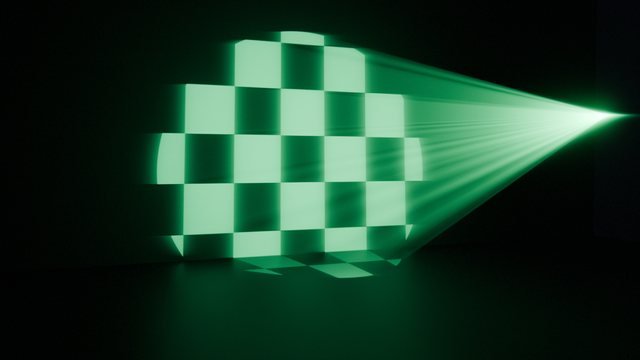
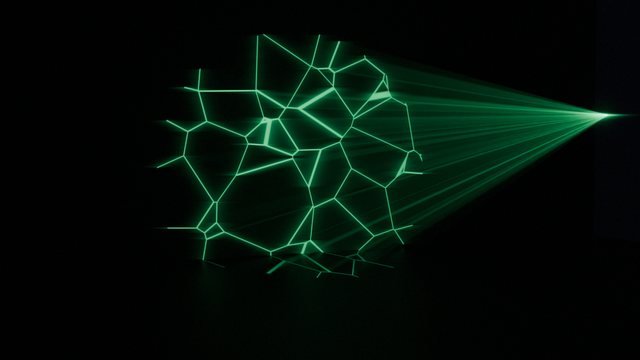
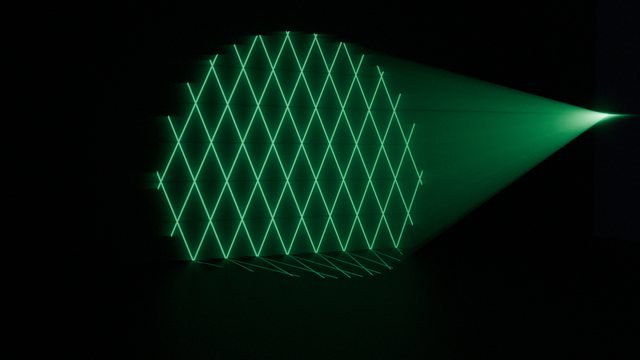
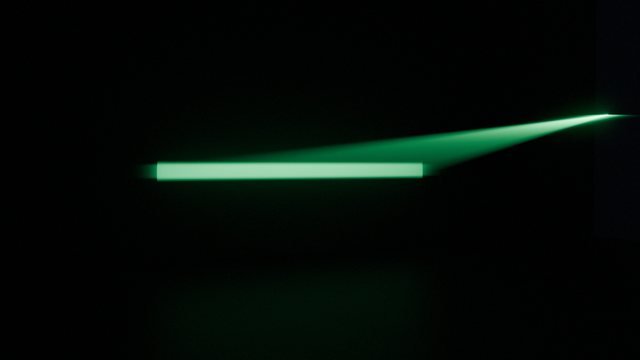
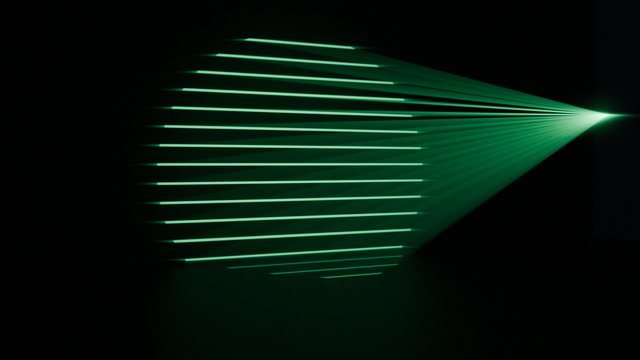
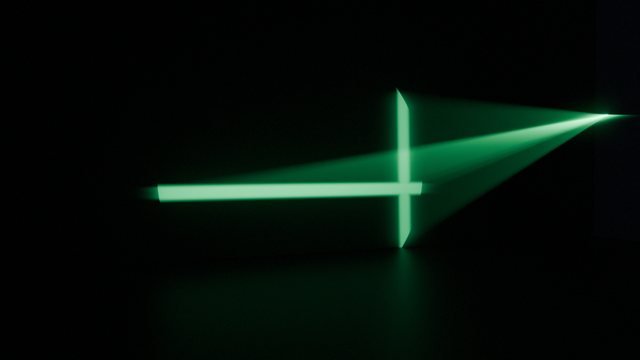
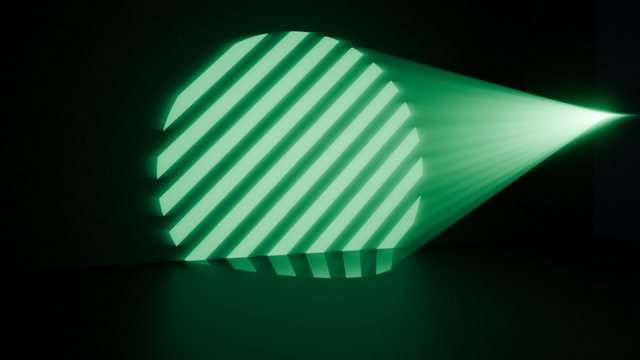
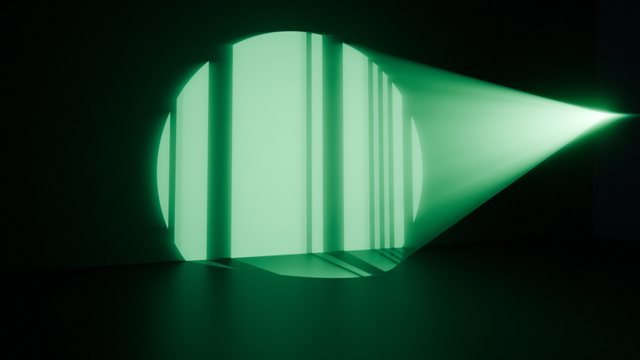
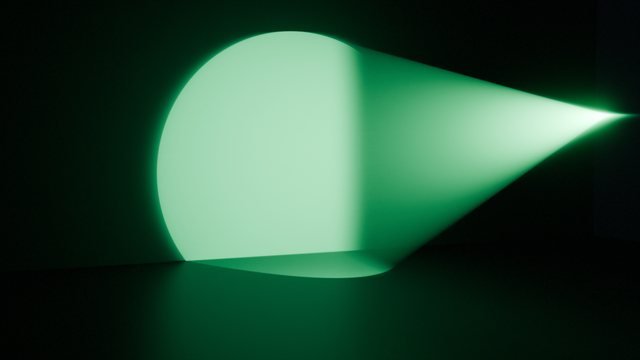
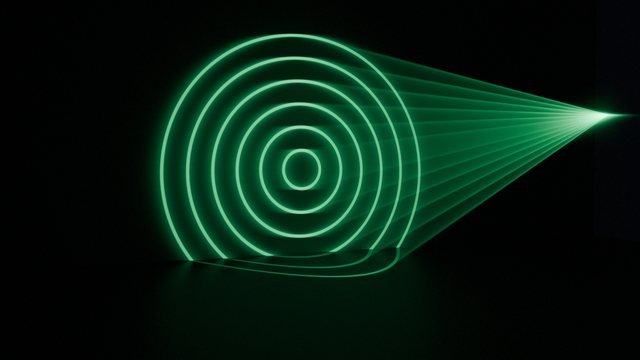
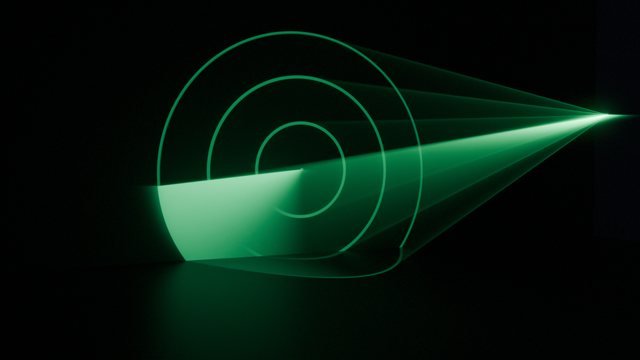
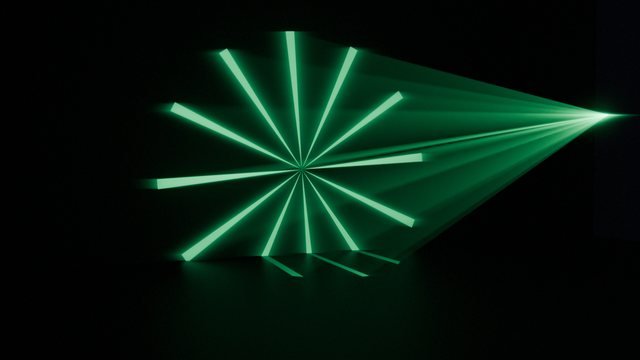
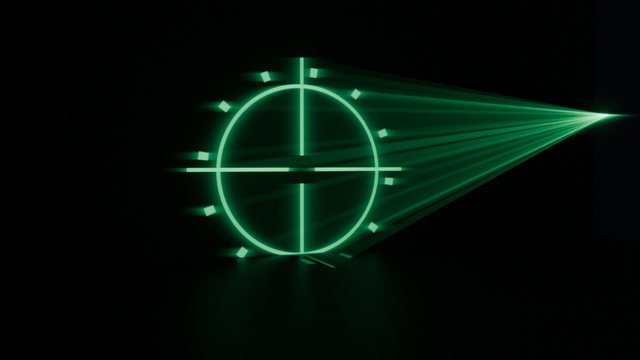
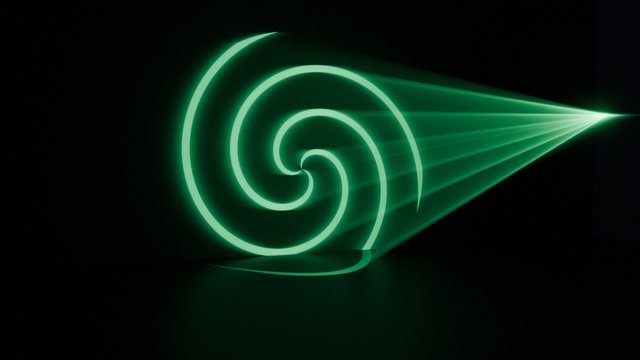
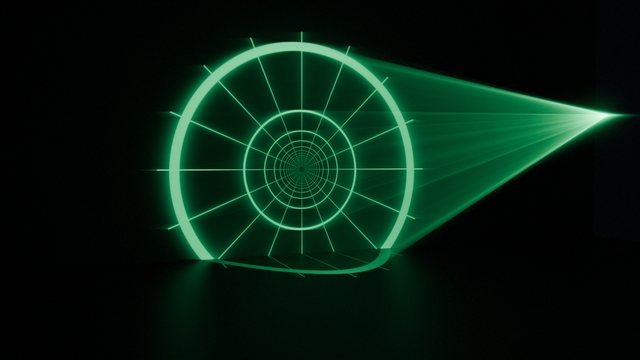
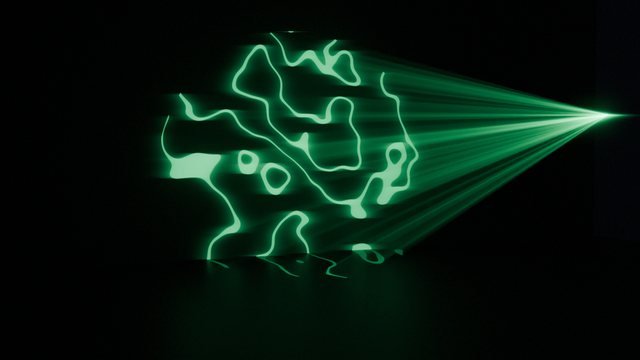
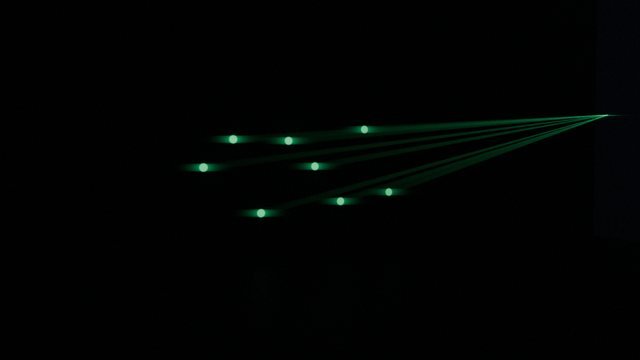
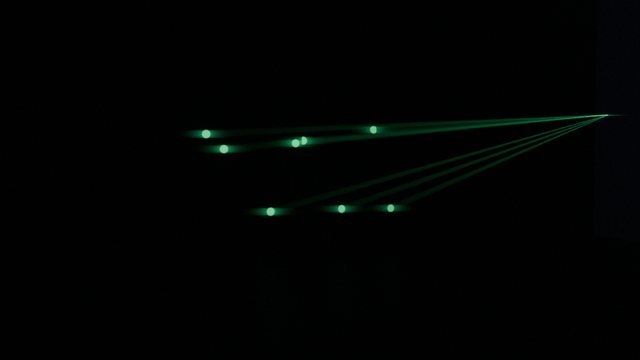
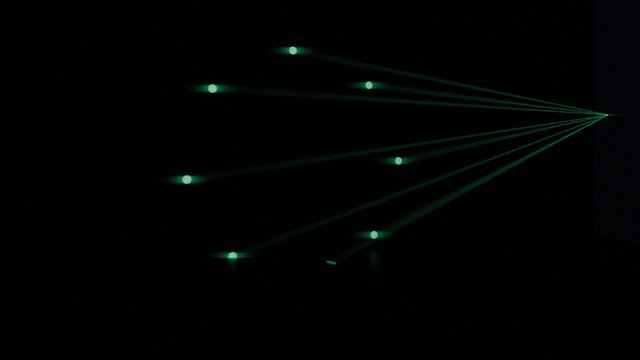
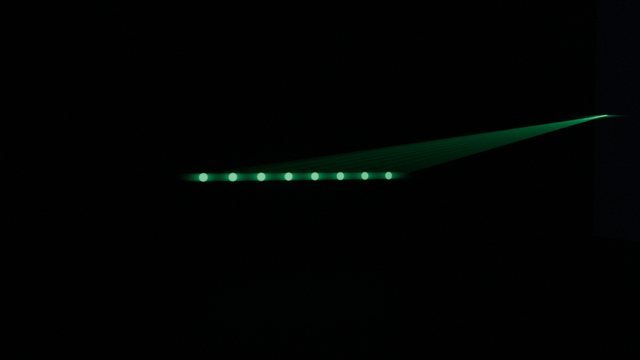
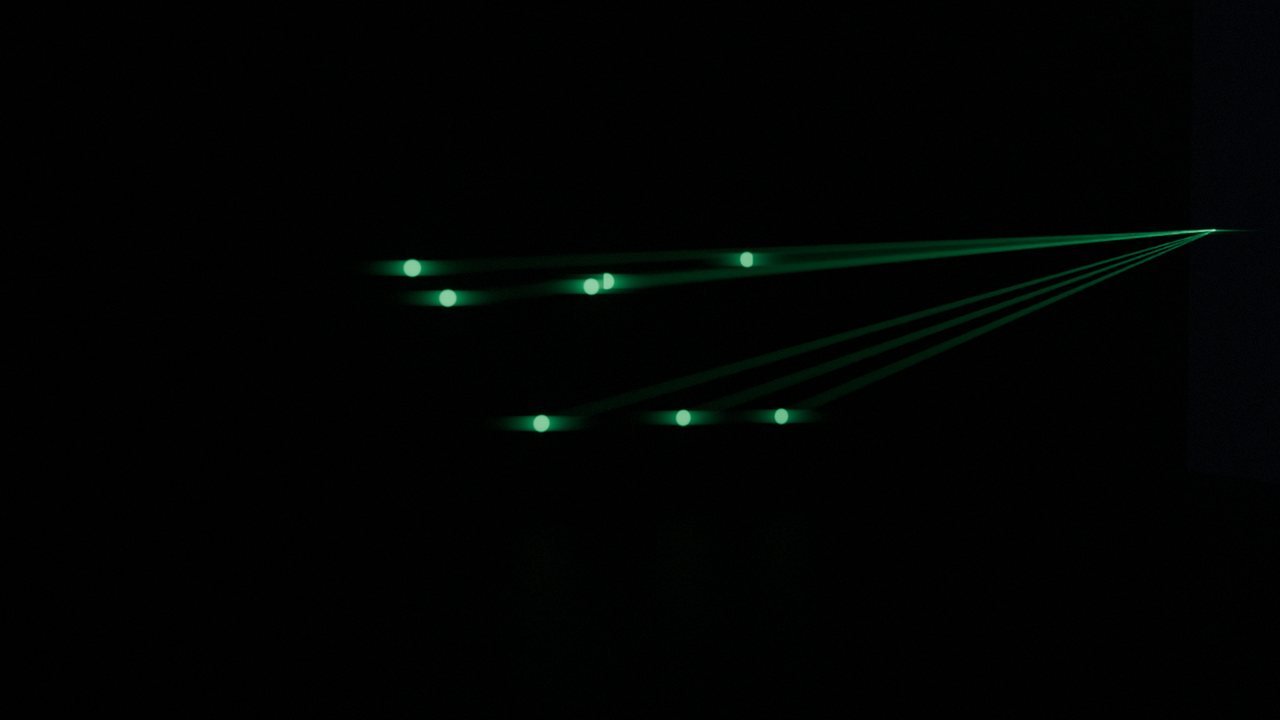
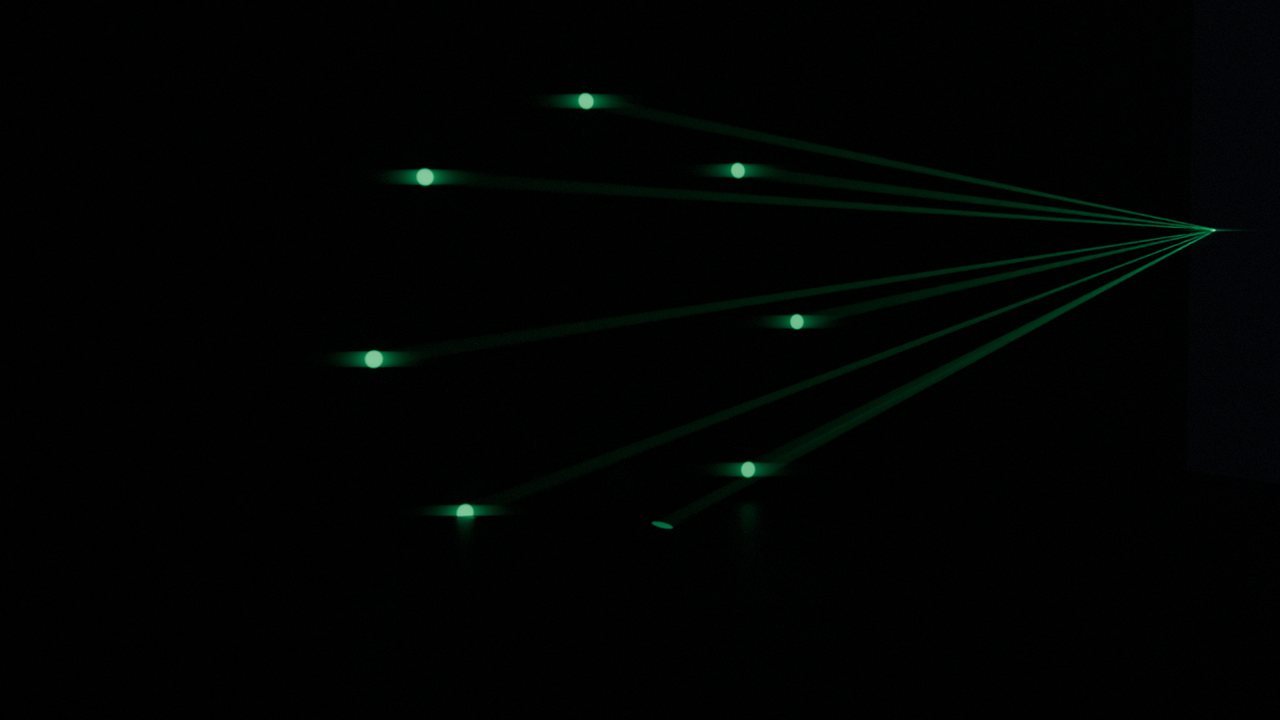
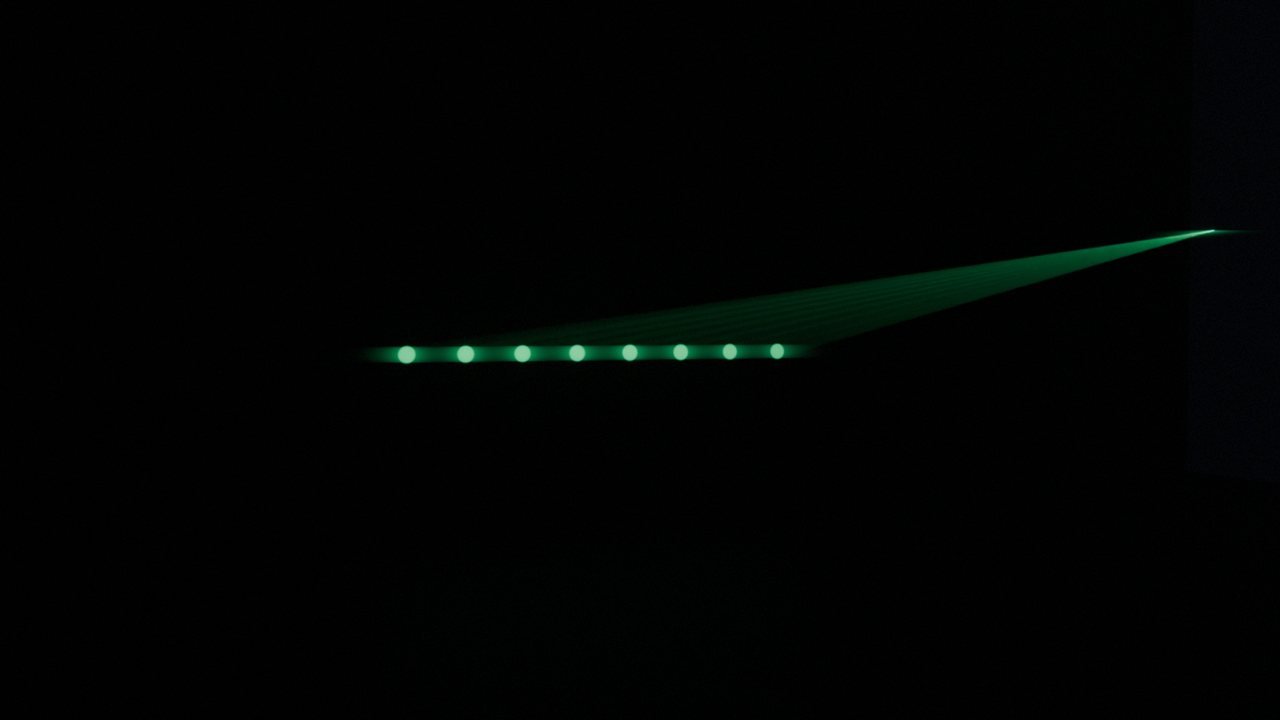
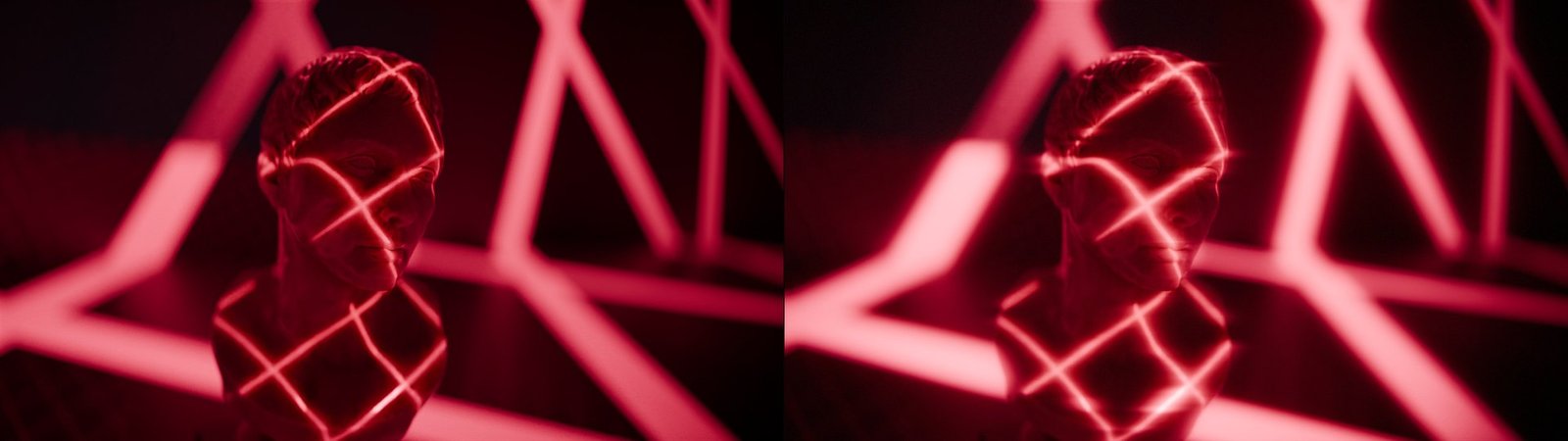
Blender add-on · 34 animated presets
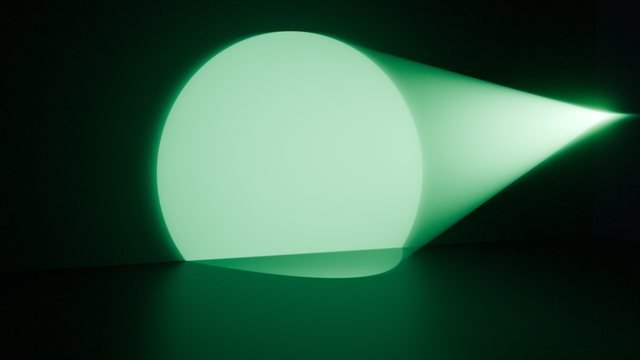
Turn any Area or Spot light into an animated laser projector. Pick a pattern, layer a second one over it, reveal them behind a galvo trace and drive the whole thing off a music track. It all lives on the light’s own shader tree, so your scene gains a lamp and nothing else.
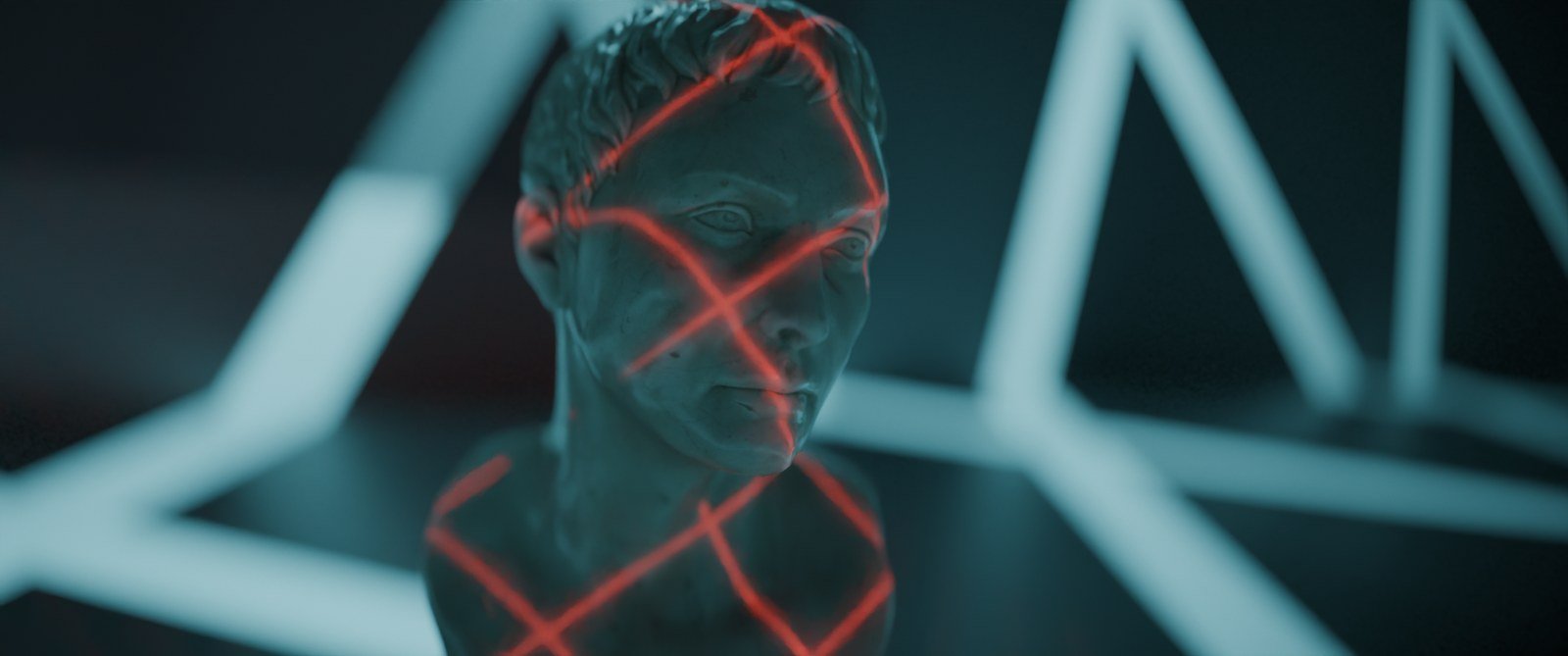
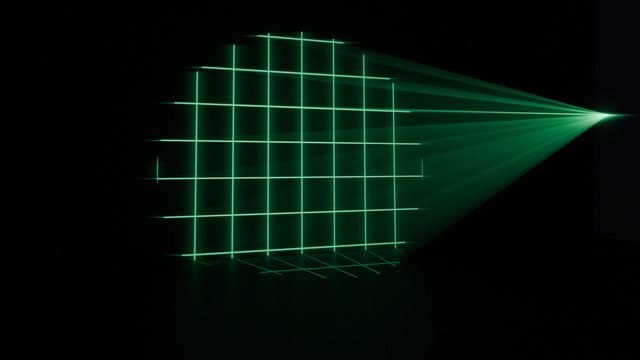
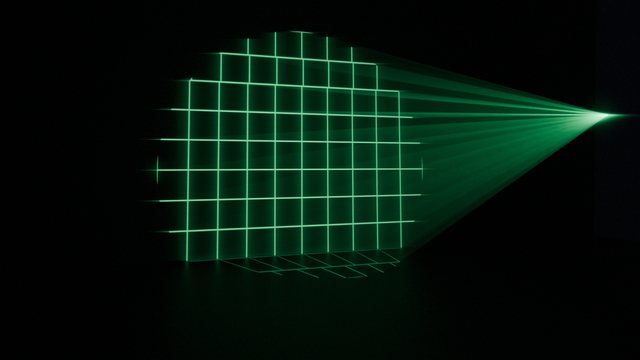
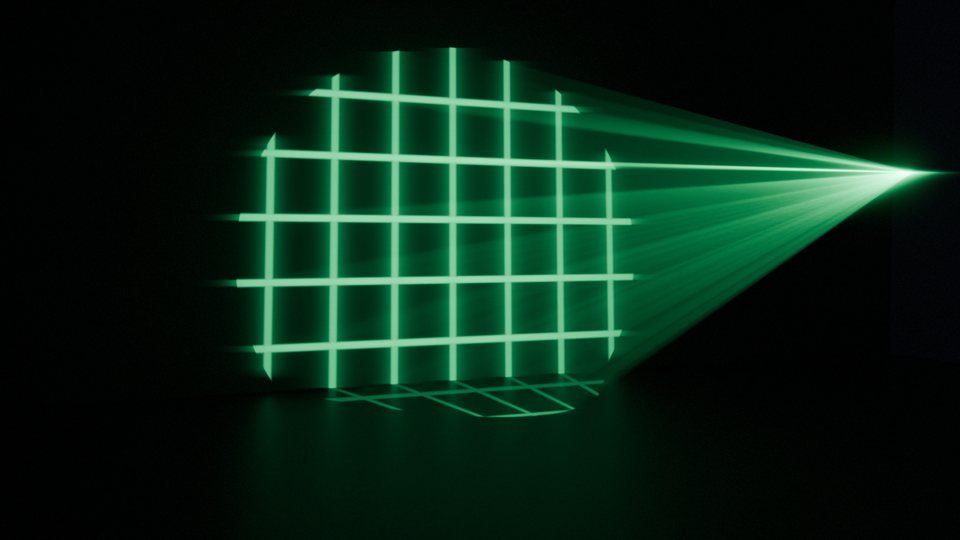
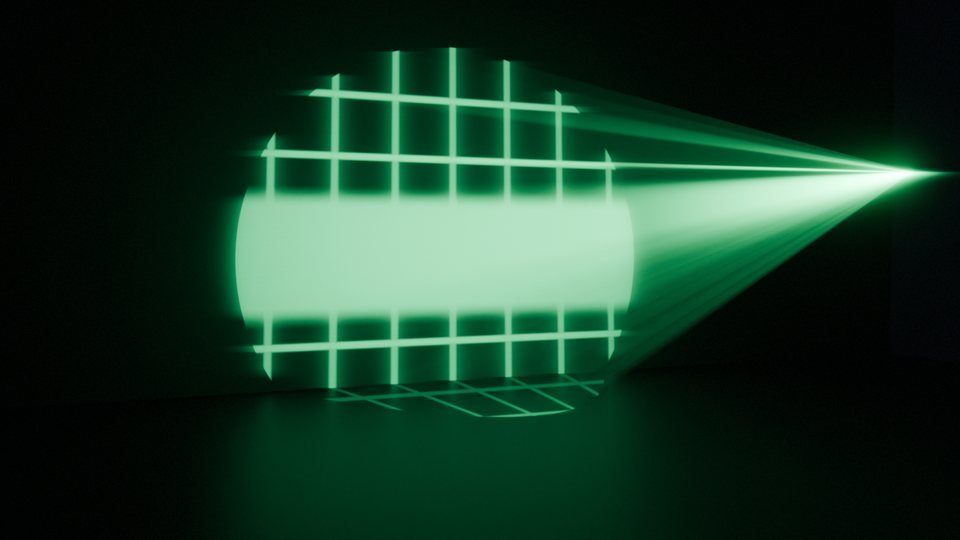
Grid · Spot · red diode
Every projector is an ordinary Blender light. It moves, animates, parents, links and renders like one, because that is all it is.
On the light itself
Adds nothing to the outliner but the light you asked for. No cutter object, no shadow-casting card, nothing to keep in frame.
No geometry
The pattern is a node tree on the light. Nothing casts a shadow, nothing sits between the lamp and the subject.
Animate it
Keyframe the light, parent it to a rig, track it to an object. It is a light, so all of that already works.
Time in seconds
Motion is driven by frame over fps, so changing the scene’s frame rate does not change the speed of anything.
Open the tree
Every knob is a socket on a shared Laser: node group. Open the light in the Shader Editor and extend it.
Sixty seconds
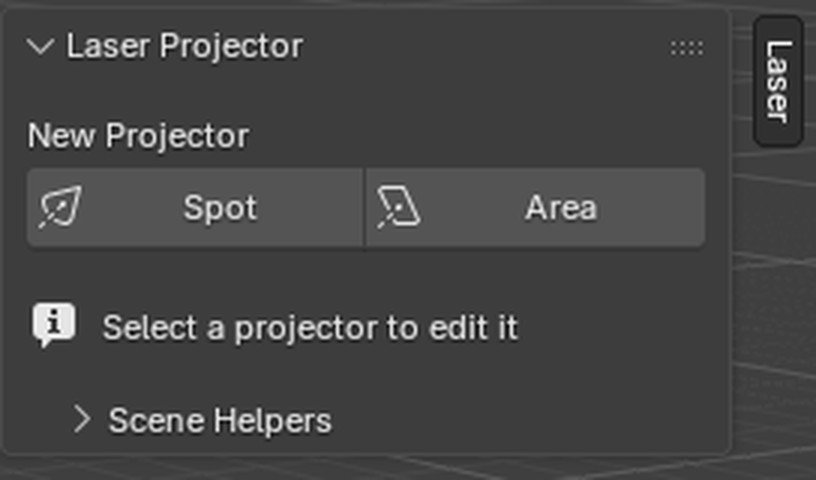
There is no setup step. The first click puts a projector in the scene already aimed at the 3D cursor.
01
Put the 3D cursor where the light should land, then click Spot or Area. The light is placed above and in front of it, already pointed at the cursor.
02
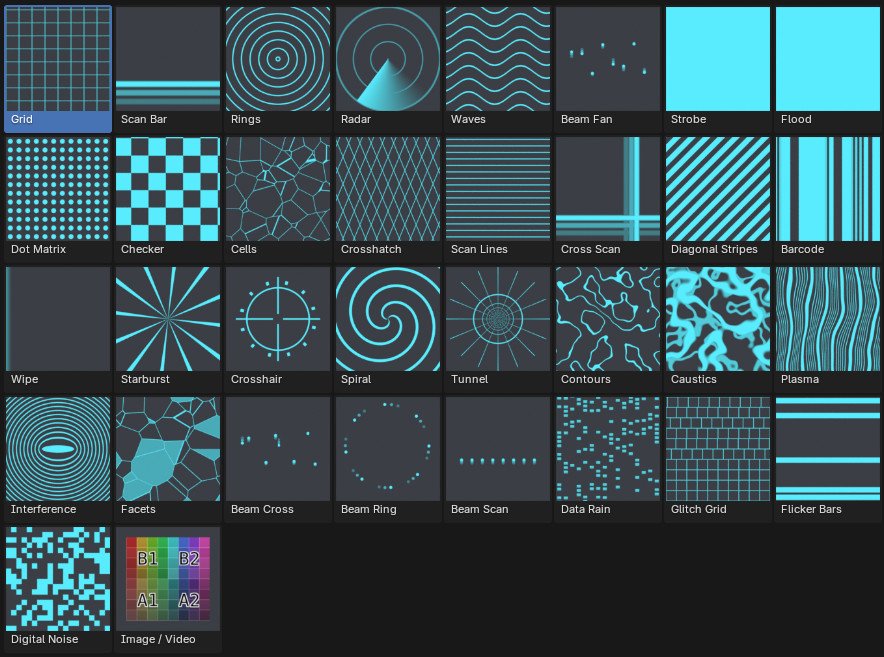
Click the active thumbnail and every preset opens in one popup, or filter by category to narrow it. Sweeping presets carry motion echoes in their icons, so you can read the direction of travel from a still.
03
Every preset is already animated. Nothing to keyframe, nothing to drive. Global Speed scales the whole light, Time Offset staggers a rig of them.
The library
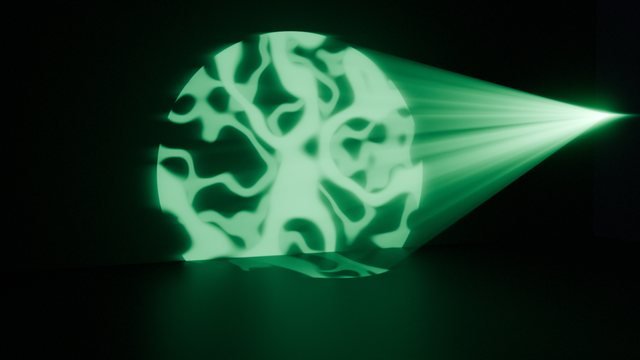
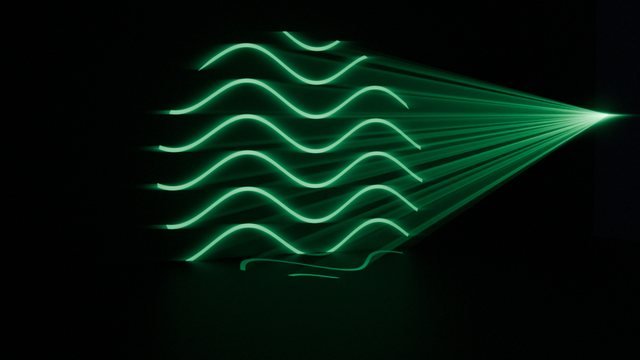
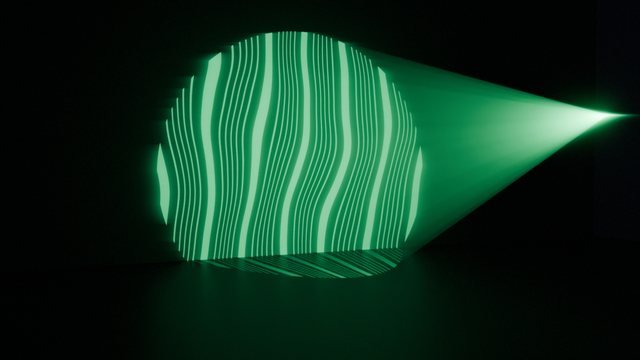
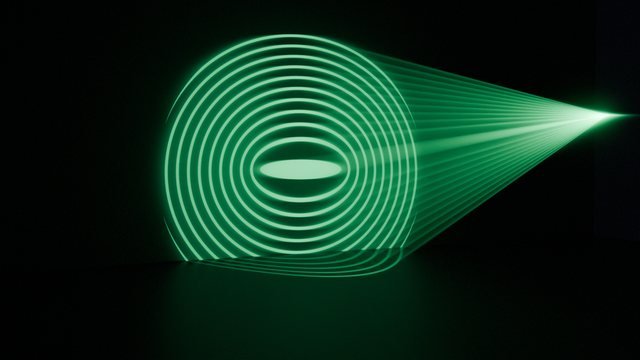
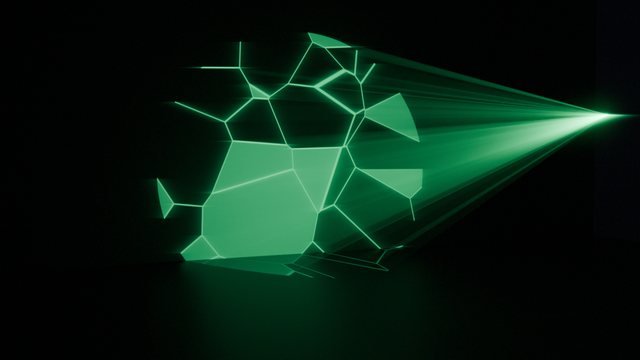
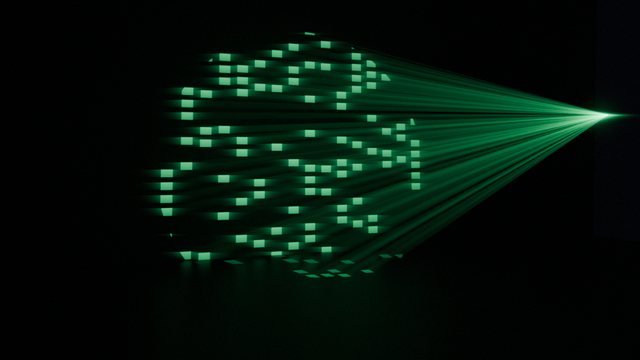
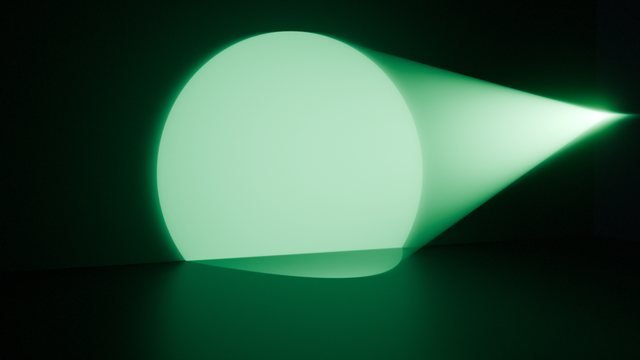
Every one of these is a still from a moving pattern. Six categories, one shared set of coordinates, so switching preset keeps your framing. Each tile carries the lowest edition that ships it.
Repeating structure. Scrolls, slides and drifts.


Something sweeping across the aperture.


Built around the centre of the beam.


Noise-driven. Never quite repeats.


Stepped, random, on the beat of nothing.


Built for the mesh beams. Discrete shafts, not a field.


The two that carry no pattern of their own.


Then stop picking from a library.
Layer two. Draw them with a scanner. Hand the controls to a track.
Second patternLite
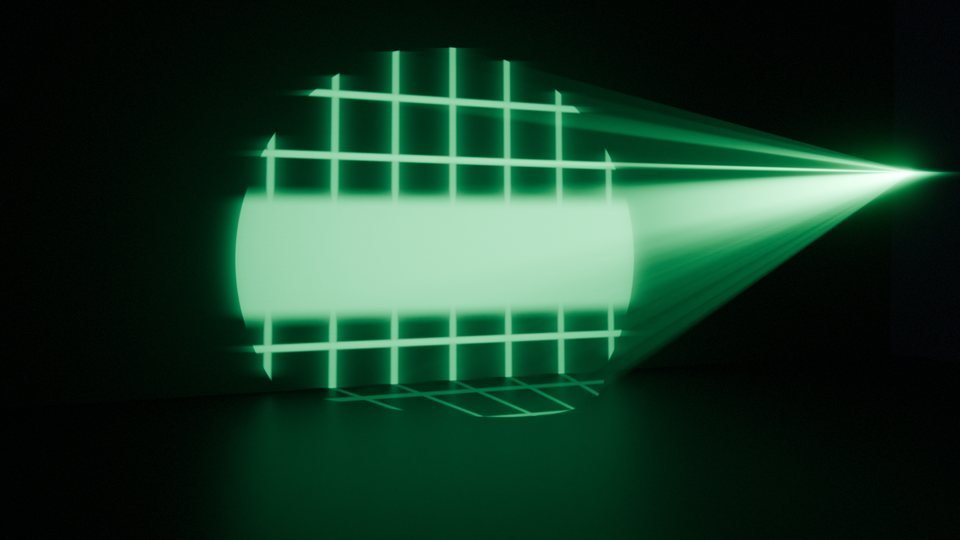
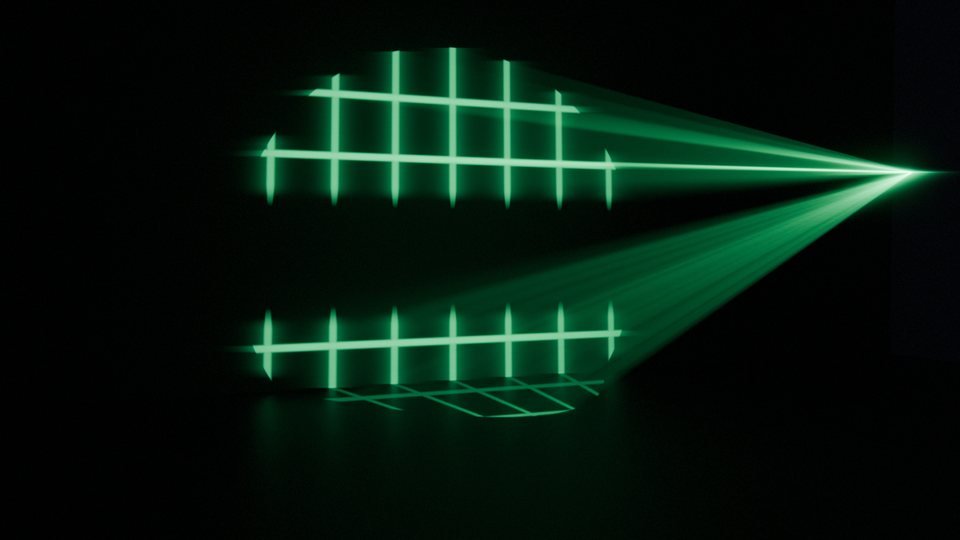
Slot B takes any preset in the library and keeps its own full set of settings. A grid cut by a scan bar is a different pattern to either.
| Blend | What it does |
|---|---|
| Screen | Brightest of the two. Both patterns stay readable. |
| Mask | B masks A. A grid cut by a scan bar, rings through a strobe. |
| Intersect | Lit only where both are lit. |
| Add | Sum, clamped. Overlaps bloom out to solid. |
| Subtract | Punch B out of A. |
Both layers keep their own knobs, so you can slow one down and leave the other running. Image / Video is slot A only — it owns its own UV node.
Galvo tracePro
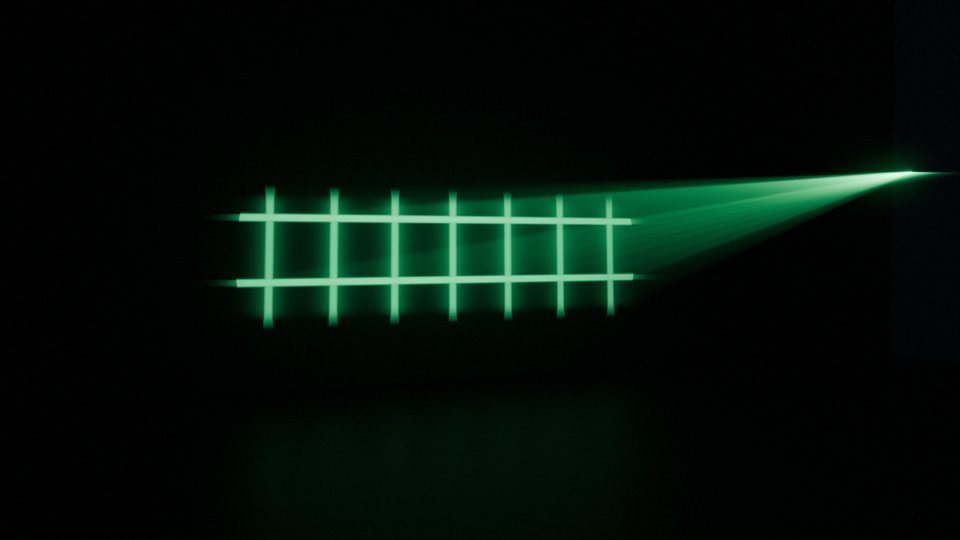
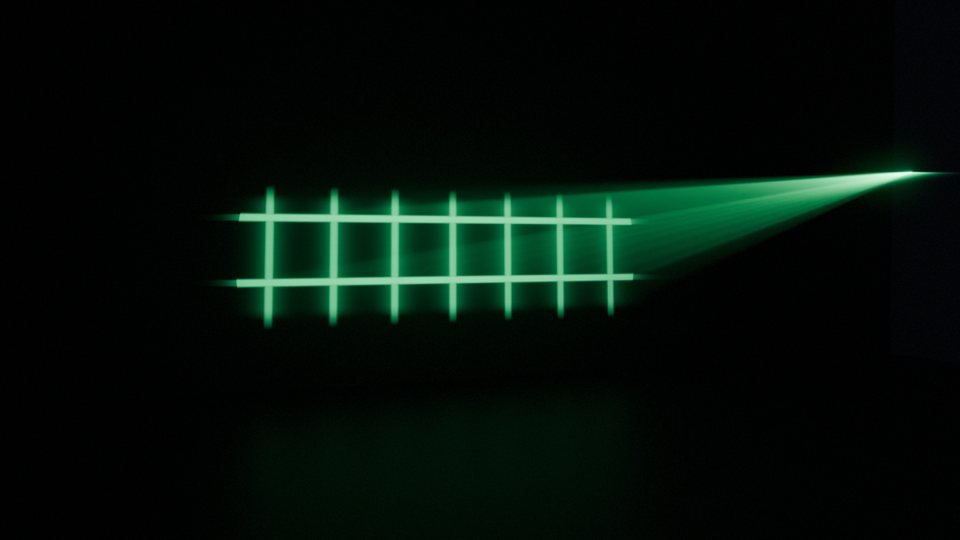
Switch the trace on and the pattern is hidden, then revealed along a scan path behind a bright head with a decaying trail. The ILDA look, on any preset in the library.
Four paths
Raster serpentine, Radial arm, Spiral and Linear. Rows and Turns shape the route itself.
Scan Rate
Complete passes per second. Negative runs the dot backwards.
Head and trail
Length and brightness of the drawing dot, and how far behind it the glow survives.
Persistence
Floor brightness, so the rest of the pattern stays faintly there instead of going black.
EffectsLite
Two stages that apply to every preset. Shape runs before the pattern is drawn, Level after, and the difference is the whole point.
01
Bends the coordinates before the pattern samples them, so it reshapes the geometry rather than dimming it.
Controls
Mirror X/Y folds the aperture. Kaleidoscope cuts it into mirrored wedges, with its own spin. Pixelate quantises it. Distort pushes it around with noise at its own scale and speed.
02
Reworks the finished mask, once the pattern already exists.
Controls
Invert. Outline keeps only the edge. Gain multiplies then clamps, which fattens thin lines. Pulse with rate and shape. Edge Fade vignettes toward the rim of the beam.
AudioPro
Bake a track’s loudness onto the projector, then route it. Light power, global speed, line width, strobe rate — anything with a number.
Bake
A file browser, a frequency band and an attack/release. 20–120 Hz is the kick.
Gate
Square bakes a hard on/off instead of an envelope.
Route
Light Power, Global Speed, Emission Strength, or any knob on the pattern, second pattern, effects, trace, shape or colour stages.
Range
Each route gets a Quiet and a Loud value. The baked range is measured, so a quiet clip still moves things.
After
Routes are ordinary Map Range nodes in the light tree. Tune them by hand in the Shader Editor.
Volumetric beams
Real volumetric scattering is the expensive way to see a beam. These are geometry: one thin emissive tube per beam, raycast so it stops where the light lands.
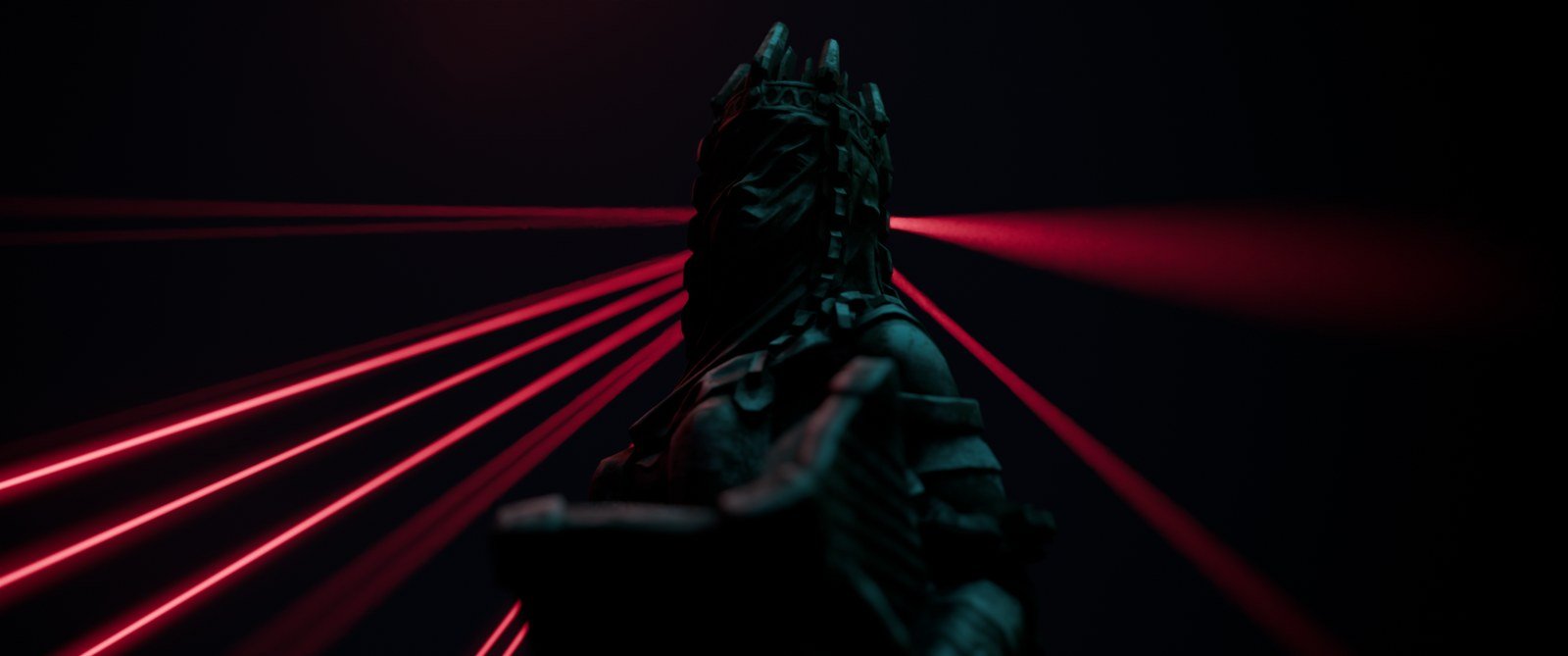
Beam Fan · mesh beams · no volume in the scene
Renders in seconds
Camera-visible geometry, so it is noise-free at any brightness. Let the tubes carry the intensity and keep the real light’s power low.
Works in Eevee
The beam object is a mesh. Only the projected pattern needs Cycles.
Casts nothing
No shadows, no bounce light, nothing for the rest of the scene to react to.


Shape
Radius in metres, taper along the length, a max length for when a beam hits nothing, and the Hit Surface it raycasts against.
Hit spots
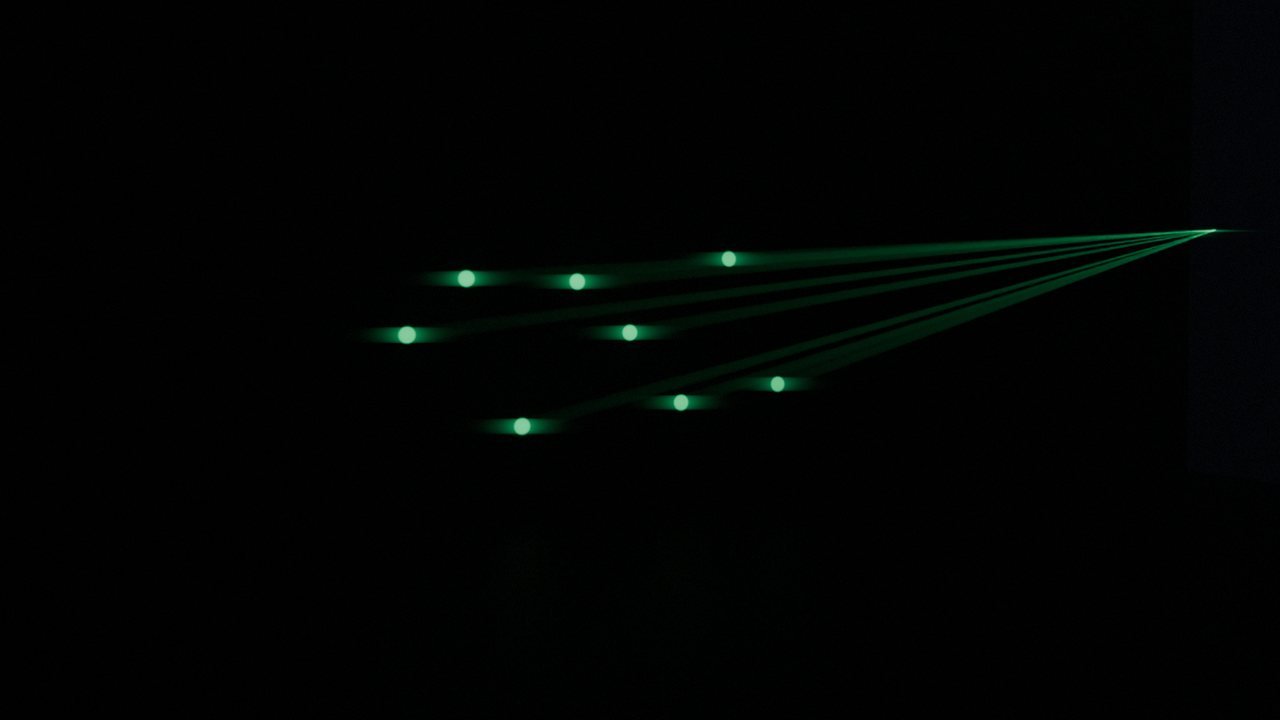
An emissive soft disc where each beam lands, drawn by the light’s own shader so both sides agree. Noise-free, which is what lets the real light sit at a low power.
Look
Intensity and edge glow on the crisp core, halo size and strength for the soft scattered glow around it, extinction for brightness lost per metre.
Forward scatter
Beams brighten when the camera looks back toward the source, the way real haze does. It is the detail that stops mesh beams reading as tubes.
Life
Drifting motes along the beam at their own speed and scale, per-beam brightness jitter, and a fade out.
One source of truth
Beam count, width, sway, speed and seed live in Pattern Settings and reach the geometry through drivers, so the tubes and the projected pattern can never disagree.
Colour
It emits one wavelength, and that decides everything. Choose from the lines real diodes and DPSS modules actually produce, and the colour follows.
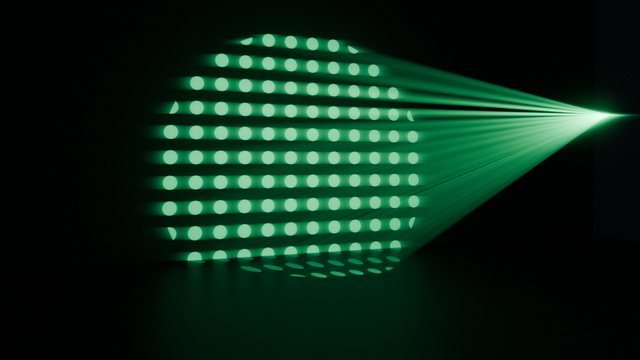
Nothing changes in that clip but the wavelength. The number beside it is luminous efficacy — how much of that optical power the eye actually registers — and it runs from 1 lm/W at 405 nm through 607 at 532 and back down to 131 at 638. That is why a green show laser looks so much brighter than a red one of the same wattage, and why two of the lines come back flagged outside sRGB, desaturated to display: your monitor cannot reach them.
Nine real lines
405 violet through 660 deep red, including 532 nm DPSS green — the classic show laser, and the reason shows are green.
Gamut honesty
Several laser lines are outside sRGB entirely. The panel says so rather than pretending, and desaturates only for display.
Rainbow
Blend the flat colour into a hue sweep across the aperture. Repeats sets the cycles, Hue Speed animates it.
Per element
Hue from the pattern’s own cells, bars or beams instead of position. Real multi-colour RGB looks.
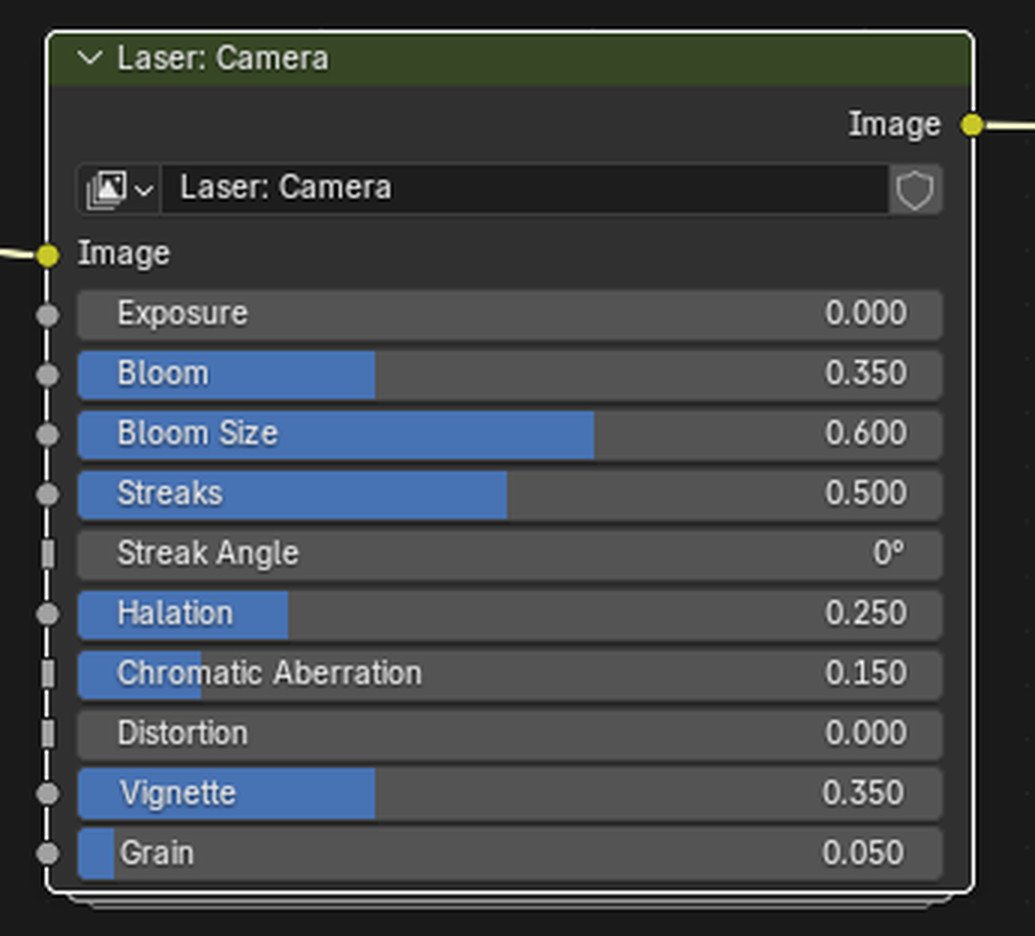
Camera look
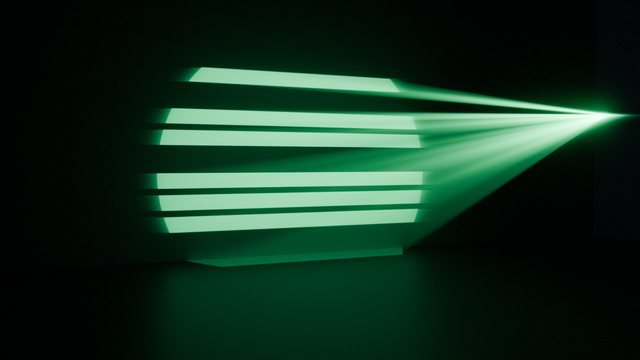
The beam is. The camera is not. One compositor group puts the sensor and the glass back: bloom, anamorphic streaks, halation, dispersion, vignette, grain.
Stages run in optical order, because that is the order a real camera applies them and swapping any two looks wrong in a way that is hard to name. Each one is a slider; set it to 0 and that stage is off.
One node
It splices itself into the scene’s compositor. Nothing else to wire.
Ten knobs
Exposure, Bloom and its size, Streaks and their angle, Halation, Chromatic Aberration, Distortion, Vignette, Grain.
Grain
Needs Blender 4.5 and is simply absent on 4.2 and 4.4. Everything else is on every supported version.
Three editions.
One package name, so a .blend opens in all of them and upgrading is install over the top.
What you get
All three are on this page — pick one at the top. Lower editions are not the full add-on with buttons greyed out; the modules are physically absent from the zip.
| Free | Lite | Pro | |
|---|---|---|---|
| Animated presetsEvery one is already moving | 8 | 33 | 34 |
| Area and Spot projectorsAim at cursor, convert between types, preview wall | ✓ | ✓ | ✓ |
| Volumetric beamsMesh tubes, hit spots, dust, forward scatter | ✓ | ✓ | ✓ |
| Wavelength colour and rainbowNine real laser lines, eye-response weighted | ✓ | ✓ | ✓ |
| Camera look compositor groupBloom, streaks, halation, dispersion, vignette, grain | ✓ | ✓ | ✓ |
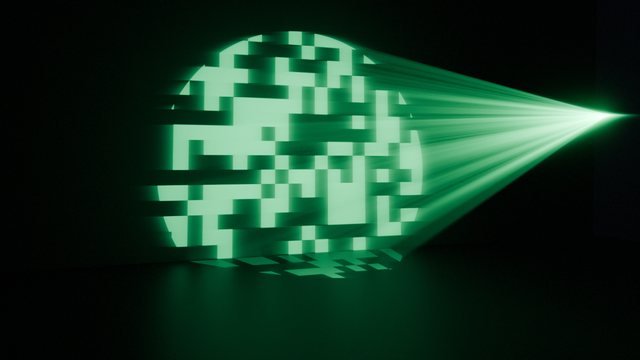
| Scene helpers and render optimiserDemo target, atmosphere, laser-friendly Cycles settings | ✓ | ✓ | ✓ |
| Second patternAny preset layered, five blend modes | — | ✓ | ✓ |
| Effects: Shape and LevelMirror, kaleidoscope, pixelate, distort, outline, gain, pulse | — | ✓ | ✓ |
| My PresetsSave, copy and paste a whole look between lights and files | — | ✓ | ✓ |
| Galvo traceFour scan paths, head, trail, persistence | — | — | ✓ |
| Audio reactivityBake a band, route it to any setting | — | — | ✓ |
| Image / Video presetProject a still or a clip, masked on alpha | — | — | ✓ |
| Text and SVG projectionRendered to a transparent image and projected as a stencil | — | — | ✓ |
| Sold hereAll three are variants of this listing — pick one at the top of the page | ✓ | ✓ | ✓ |
Start lower and move up whenever you like. The package folder is laser_projector in all three, so a file saved in one edition opens in another and upgrading is installing over the top — no migration, no rebuilding a scene. Presets a lower edition does not ship simply are not in its dropdown.
Before you install
One hard requirement, and it is worth knowing which half of the add-on it applies to.
Blender
4.2 LTS and newer. Tested through 5.2 LTS.
Renderer
Cycles for projected patterns — light node trees are a Cycles-only feature. The panel spots another engine and offers a one-click switch.
Eevee
Volumetric beams are geometry, so they render there too. The projected pattern does not.
Install
A zip, through Preferences › Add-ons › Install from Disk.
Where
3D Viewport sidebar (N), Laser tab.
Output
Shader node groups on the light and an optional Geometry Nodes object. Plain Blender data, no bake step.
Licence
GPL-3.0-or-later. What you make with it is yours.
Known limits, stated up front
Eevee
Ignores light node trees entirely. Mesh beams still work; the pattern does not appear.
Area size
An Area projector’s beam is exactly the size of the light. A 4 m object needs a 4 m light, or a Spot.
Audio bake
Needs a Blender window; it cannot run in a background render. Bake once, save, and the curve renders fine on a farm.
Slot B
Takes any preset except Image / Video, which owns its own UV node and stays in slot A.
Images
An Image projector keeps its picture on the light tree, so switching away from the preset and back forgets it.
Before you buy
Click a question.
Half of it. Blender only evaluates light node trees in Cycles, so the projected pattern is Cycles only and there is no way around that from an add-on. The Volumetric Beams object is ordinary emissive geometry, so beams, hit spots and dust render in Eevee at Eevee speed.
Laser Projector v1.4.0
One light, thirty-four patterns, and a node tree you can open when you want something the panel does not offer.
Also on the shelf
Same author, same approach: everything they make comes out as plain Blender data you can keep working on.
Cineflow
Place timed waypoints, get an arc-length path you can reshape, then retime speed, lens, look-at and shake from one panel.
View on Superhive →
Cine Drone
Draw a line through the scene and a physics pilot flies it, banking into turns, braking early, running wide when pushed.
View on Superhive →